PhotoRec Features
PhotoRec uses signature-based recovery (data carving) to find and recover files even when the file system is damaged or reformatted. It supports a wide range of file systems, media types, and hundreds of file formats.
Recovery approach: data carving / signature-based
PhotoRec searches for known file headers (signatures) on the media. It reads the drive block by block (or cluster by cluster), comparing each block against a built-in signature database. When it finds a match—for example, a JPEG starting with 0xff 0xd8 0xff—it identifies the file type and extracts the data until the end of the file (or until consistency checks stop it).
Because it does not rely on file system metadata (directory entries, allocation tables), it works even when the file system is corrupted or the drive was reformatted. When data is not fragmented, recovered files can be identical to the originals; when the header stores size information, PhotoRec can truncate to the correct size. It can also handle some cases of fragmented files by re-checking previous blocks.
Supported file systems & media types
PhotoRec ignores the file system for the actual recovery; it can recover lost files from media that use (or used) at least: FAT, NTFS, exFAT, ext2/ext3/ext4, and HFS+. ReiserFS has special storage behavior (e.g. tails in b-tree nodes) that PhotoRec does not handle well. For block size detection on corrupted media, PhotoRec can infer the block size from the first files it finds.
Media: hard disks (mechanical and SSD), CD-ROMs, memory cards (CompactFlash, Memory Stick, Secure Digital/SD, SmartMedia, Microdrive, MMC, etc.), USB memory drives, DD raw images, and EnCase E01 (EWF) images. It has been used successfully with many digital cameras and portable media players (e.g. iPod).
File format coverage
PhotoRec recognizes and recovers hundreds of file formats across categories: photos (JPEG, TIFF, RAW formats such as CR2, NEF, ARW, DNG, etc.), video (MP4, MOV, AVI, MKV, WebM, etc.), documents (PDF, DOC/DOCX, XLS/XLSX, ODT, etc.), and archives (ZIP, 7z, RAR, gzip, etc.). The official CGSecurity list contains more than 480 file extensions in over 300 file families.
Full list of file formats recovered by PhotoRec (CGSecurity) →
Disk images & forensics-friendly options
PhotoRec can recover files from raw disk images (e.g. image.dd) and EnCase E01/EWF images. This allows safe, repeatable recovery from a copy of the media rather than the original—useful for forensics and incident response. You can run PhotoRec on an image file from the command line (e.g. photorec image.dd or photorec image.E01).
Forensics users can use the /log parameter to create a photorec.log file that records the locations of recovered files for documentation and chain-of-custody.
Safety & non-destructive workflow
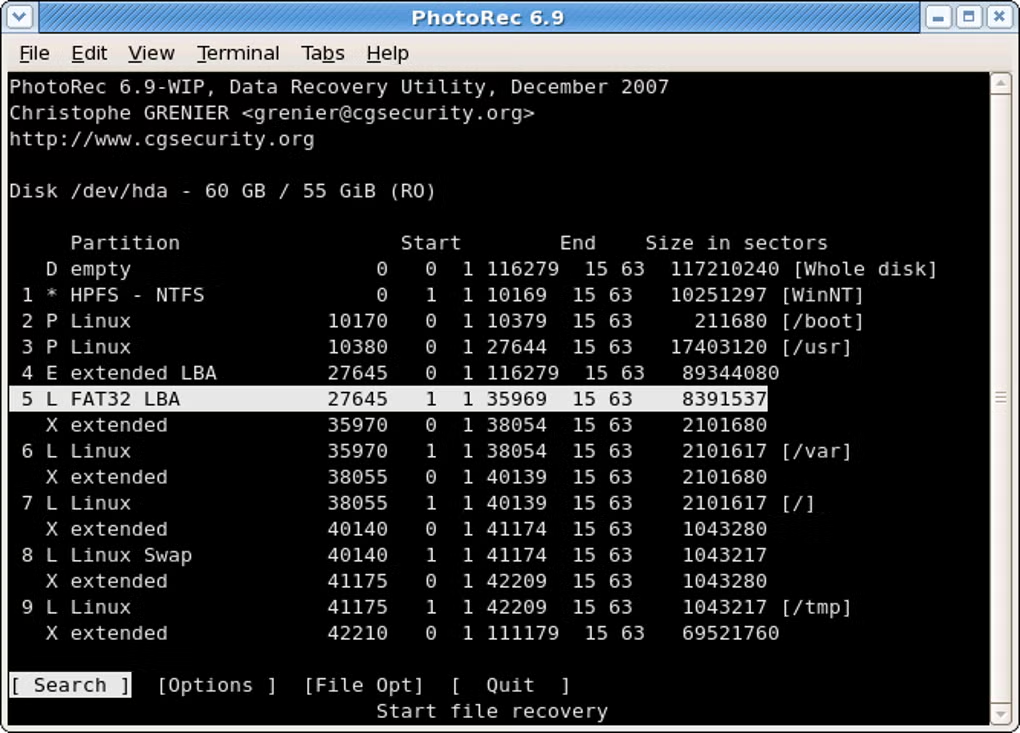
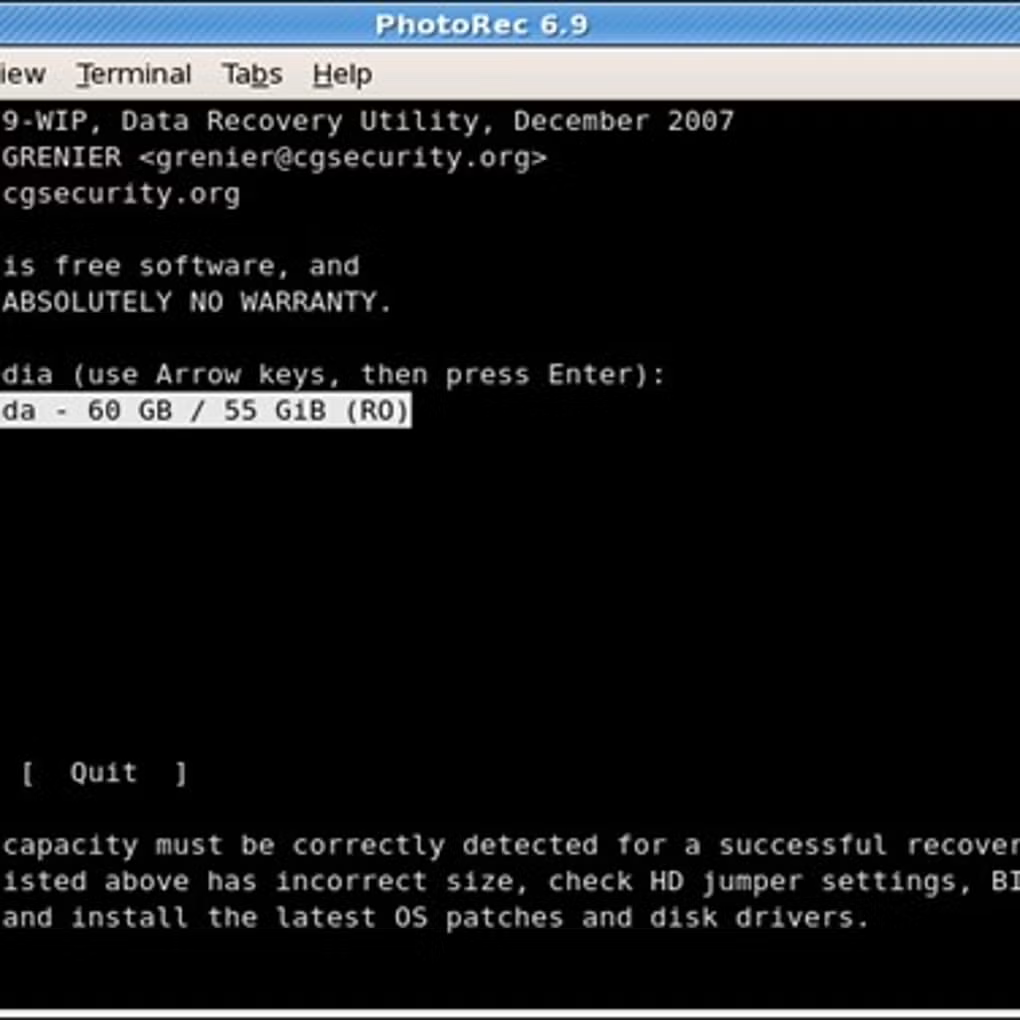
PhotoRec uses read-only access to the drive or memory card you are recovering from. It does not modify the source media.
Critical: You must never save recovered files to the same partition or device you are recovering from. Writing to that device can overwrite the very data you are trying to recover. Always choose a destination on another physical drive or partition.
Best practice: As soon as you discover deleted or missing files, stop using the device—do not save new files to it—to maximize the chance of recovery.
Trust & safety details →Performance & constraints (honest)
- Filenames and folder structure: In many cases PhotoRec cannot recover original filenames or directory structure; it names files using logical sector information and adds the extension. When the file system is intact, TestDisk may recover names and structure for FAT/NTFS.
- Scan duration: Deep scans over large media can be time-consuming. Speed depends on device type, interface, and size.
- Fragmentation and overwrite: Heavily fragmented or overwritten data is harder or impossible to recover. Success is not guaranteed.
Next steps: Step-by-step recovery · Common questions · Trust & safety